works on Canvas, Blackboard, Moodle & more

Your professor sees everything
not anymore.

QuizCloak is a Chrome extension that makes tab switches invisible during quizzes. Built-in AI can highlight the right answers and write short responses — all without your professor knowing.

QuizCloak
Active
Visibility APIspoofed ✓
Tab switch eventsblocked ✓
Focus/blur eventsnullified ✓
Quiz log flags0
Professor suspicionnone
Taking an online quiz without QuizCloak vs taking it with QuizCloak
❌ Without QuizCloak
Action Log
00:01 Session started
00:14 ⚠ Stopped viewing quiz
00:38 ⚠ Resumed viewing quiz
01:02 Answered question #1
01:15 ⚠ Stopped viewing quiz
01:44 ⚠ Resumed viewing quiz
02:10 Answered question #2
Your professor sees every time you left the quiz.
✅ With QuizCloak
Action Log
00:01 Session started
00:11 Answered question #1
00:15 Answered question #2
00:19 Answered question #3
00:22 Answered question #4
00:24 Answered question #5
00:25 Quiz submitted
Clean log. No flags, no warnings.
100% undetectable
See the features
Tab Cloaker
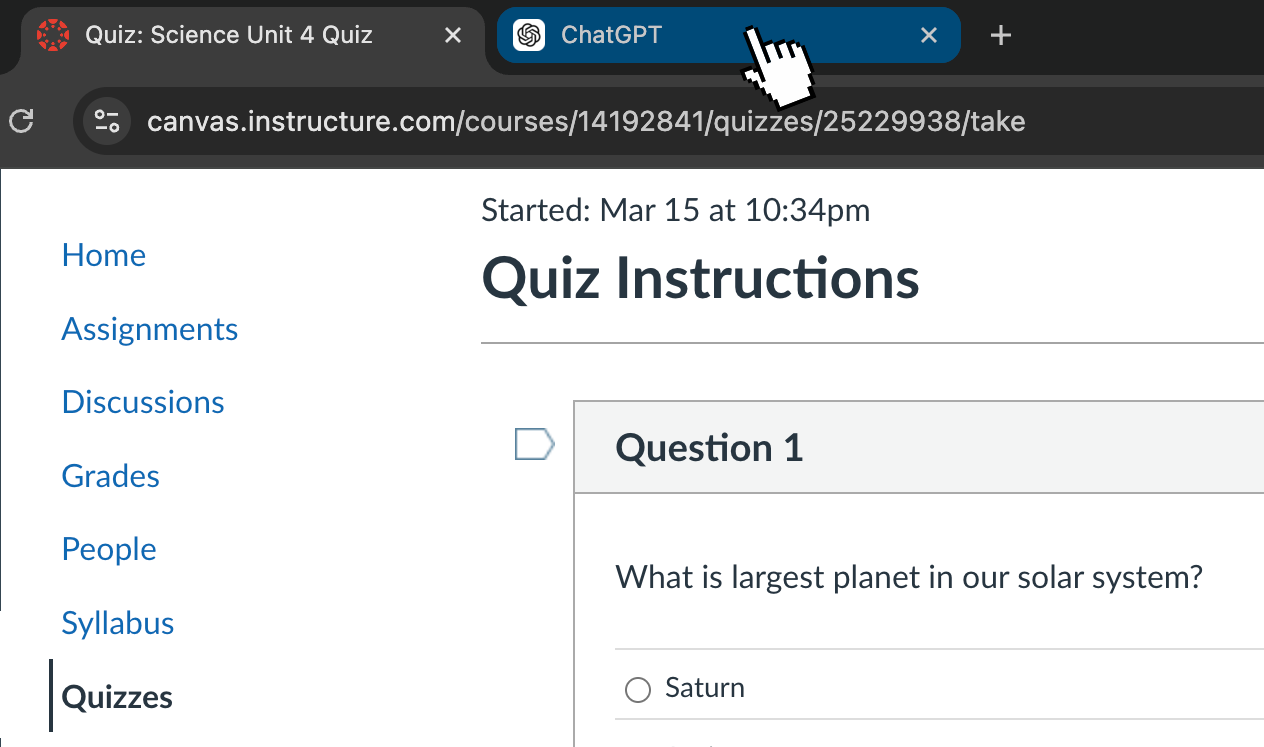
Tab Cloaker

Tab Cloaker hides every time you switch tabs during a quiz. It makes all your activity invisible so that your quiz log comes up completely clean.

Homework AI
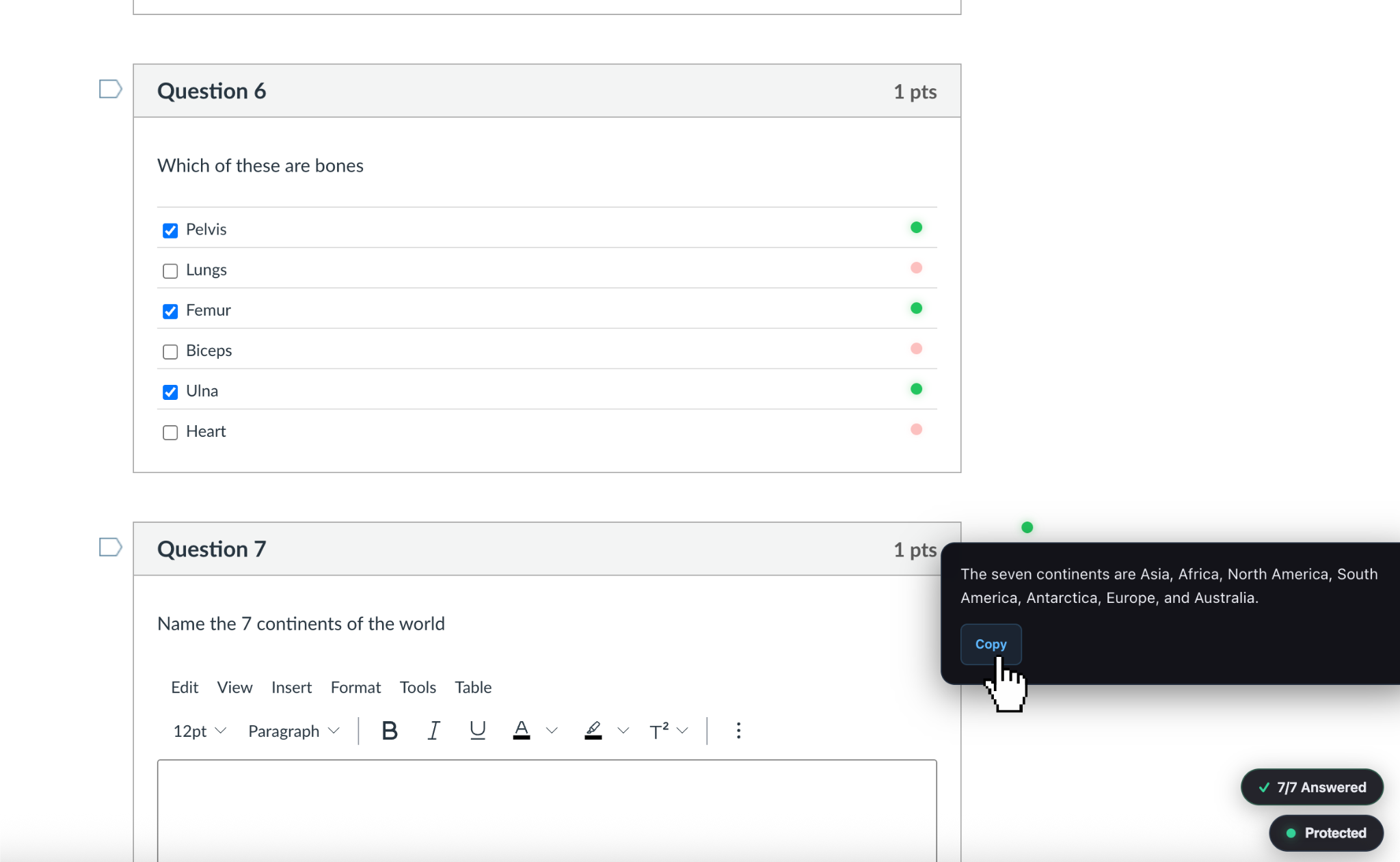
Homework AI

Homework AI marks every correct answer the moment you open the quiz. Just select the green answers — no searching, no effort.

Pro feature

Stealth AI
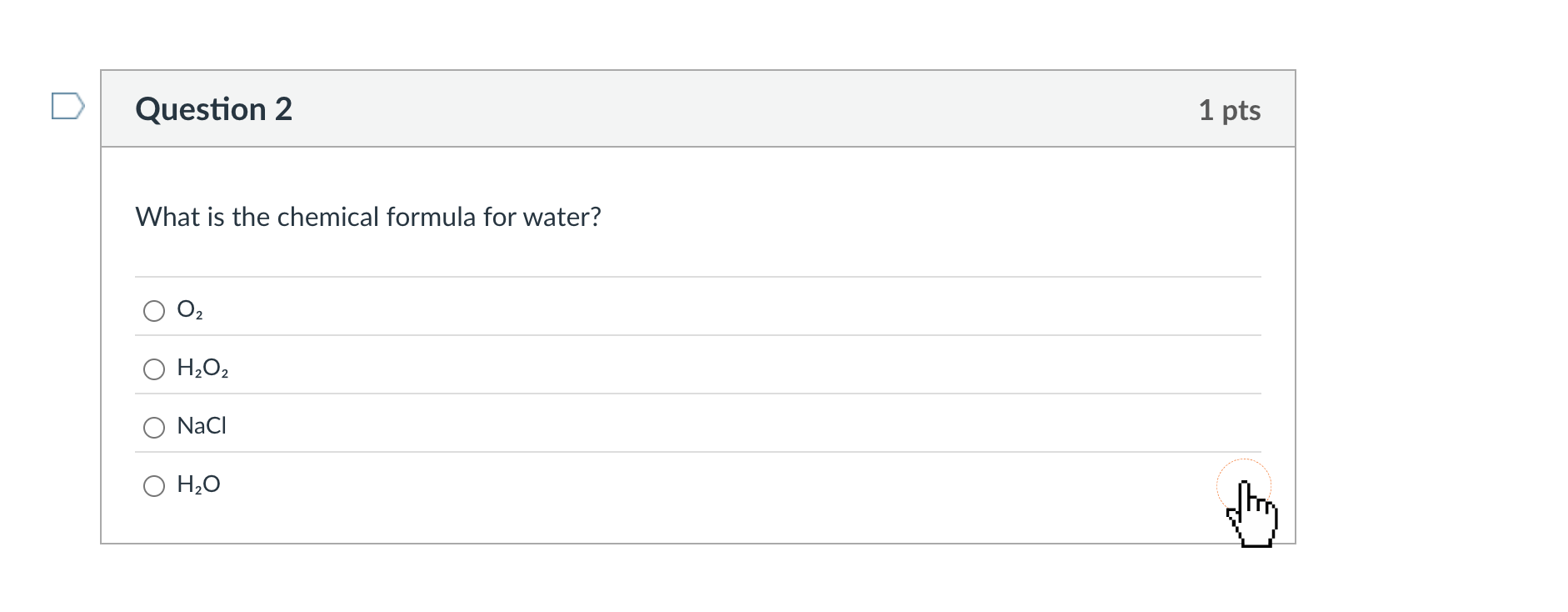
Stealth AI

Stealth AI looks completely normal to anyone watching your screen. Hover your cursor near the correct answer and your mouse changes to a pointer. Almost impossible to notice unless you know what to look for.

Pro feature

Join our Discord if you want a full feature walkthrough

See It In Action
Watch how it works
Core Feature
Tab Cloaker
Toggle protection on, switch tabs freely. Your quiz log stays completely clean.
AI Powered
AI Quiz — Multiple Choice
Green dots instantly highlight the correct answer. Works on true/false too.
AI Powered
AI Quiz — Free Response
Click the green dot to reveal a short answer. Copy it straight into the text box.
Stealth Mode
Fully Invisible Mode
No visible indicators at all. Answers are hidden until you hover — completely undetectable.
Reviews
Rated 5 stars on the Chrome Web Store

★★★★★

See reviews on Chrome Web Store →

FAQ
Common questions
Can my professor tell I'm using this?
No. QuizCloak intercepts the Visibility API at the browser level before your LMS can read it. Your quiz log shows zero tab switches — it looks like you never left the page.
Does it work on Canvas, Blackboard, Moodle, or Google Forms?
Yes. It works on Classic Quizzes and New Quizzes in Canvas, plus Blackboard, Moodle, Google Forms, and any other website that uses the Page Visibility API to detect tab switches.
What about Respondus LockDown Browser?
QuizCloak does not bypass LockDown Browser. It only works on regular quizzes taken in a normal Chrome browser.
Can I cancel anytime?
Yes, cancel anytime from your Stripe billing portal. No cancellation fees, no questions asked. Your access remains active until the end of your billing period.

Stop stressing about
tab switches.

Join students at universities everywhere using QuizCloak to browse freely during quizzes.

Add to Chrome — Free Install
From $6.99/mo · cancel anytime